Pipento 101
Everything you need to run your pipeline in Pipento, in the order you'll need it. Start with the introduction, then work through the rest as you set up.

Finding your way around Pipento
What each screen in the menu is for, and which ones to open each day, each week and each month.

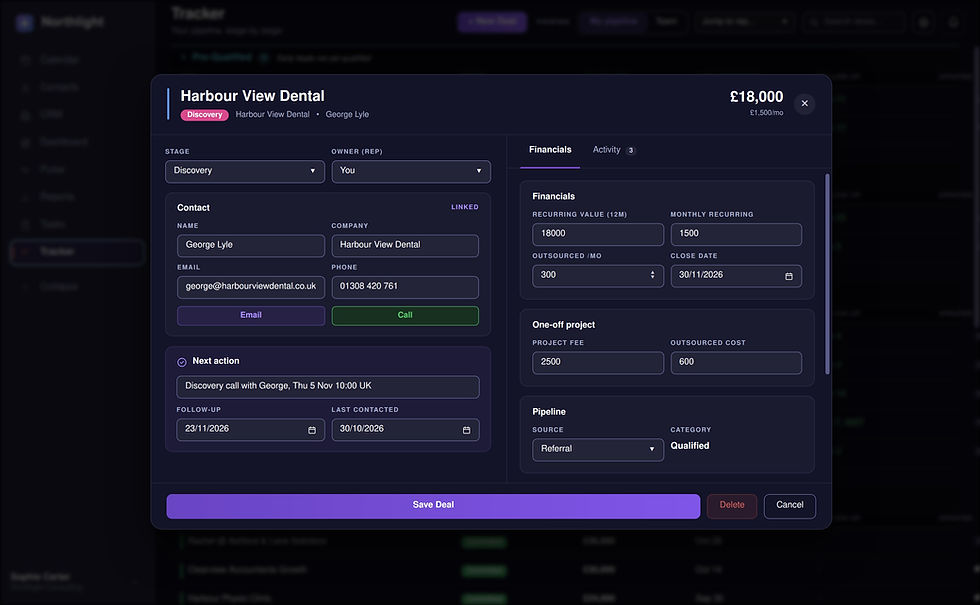
Adding deals and moving them through stages
How to add a deal, what each field is for, and how stages keep your pipeline honest.

Follow-ups and smart follow-up suggestions
How follow-up dates work, where you'll see them, and how Pipento suggests when to follow up next.


Calendar and exporting to Outlook
How the calendar fills itself in from your deals, and how to get your dates into Outlook.

Pulse
Your weekly briefing: the year-end forecast, pipeline health, momentum and the deals that need attention.

Reports and PDF downloads
How to pick a time range, choose the sections you need and download your sales report as a PDF.


Importing and exporting your deals
How to bring deals and contacts in from a spreadsheet, and how to export them as a CSV.

Accounts and tasks (Team plan)
How CRM keeps track of won clients, renewals and check-ins, and how Tasks handles to-dos and recurring work.